
NOTE: You need to have a valid email address listed on your library account to use this feature. If you do not have a valid email listed on your account, please call your local library.
- From the Library Account Login page, select Forgot Your Pin?

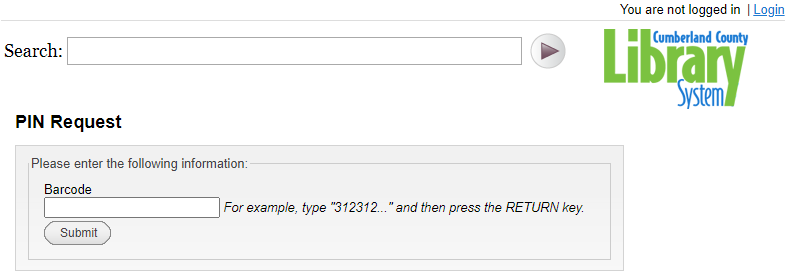
- Enter your library barcode number and select Submit.
- An email will be sent to your email address with a link. Click on that link.
- Fill out the form with your barcode and your new PIN as requested. Click Submit.